
Old Photo Restoration
Restore old photos online in seconds. Our AI repairs scratches, tears and fading, colorizes black-and-white images, and animates family portraits — no editing skills required.
Works with prints, negatives and phone photos of old albums
Restore Old Photos Online
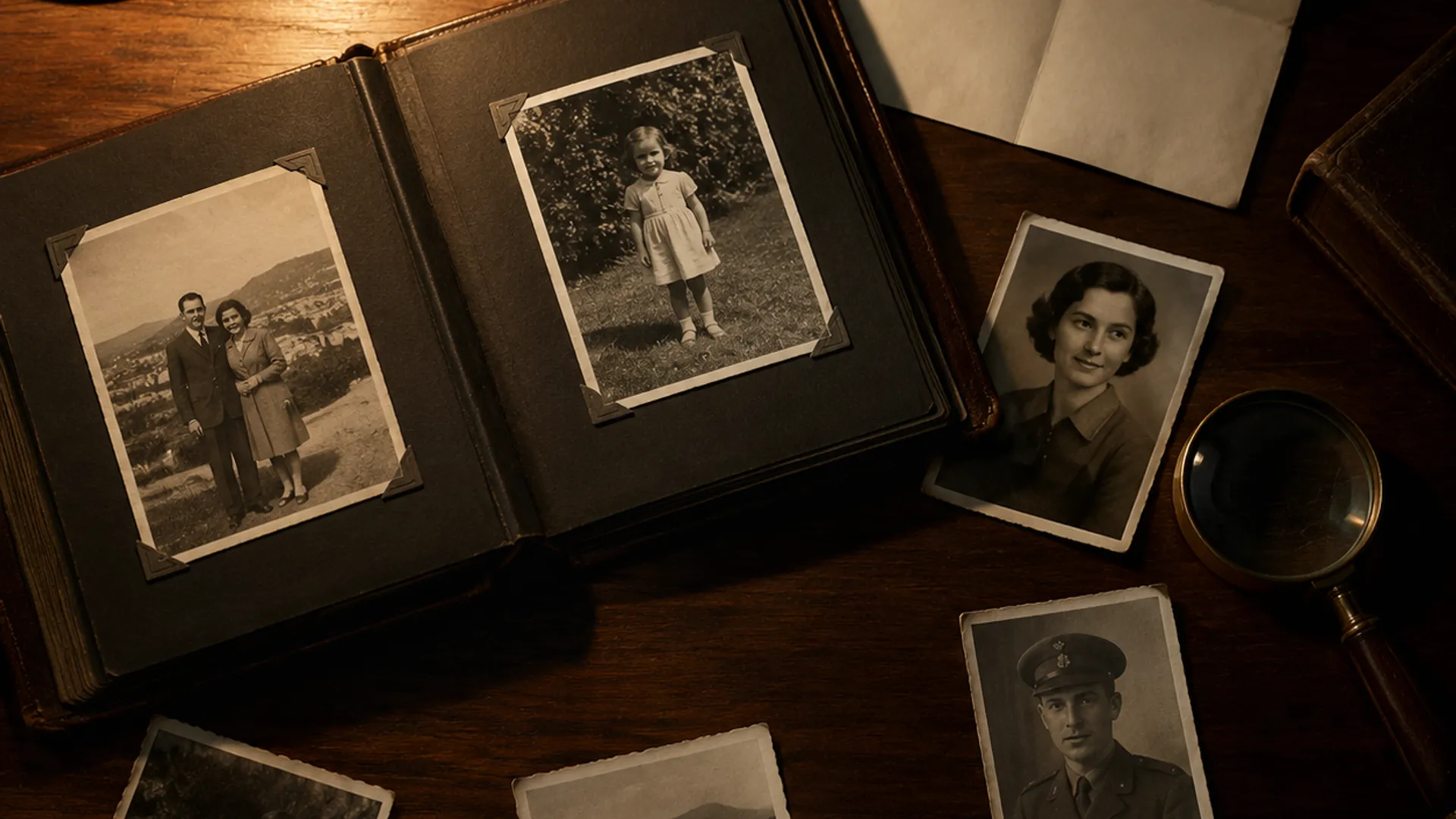
- Restoration modes
- 4
- Typical photo restore
- ~60s
- Maximum upscale
- 4×
- Video render time
- 2–5 min
Before and After
Every example below was produced from a single upload, with no manual retouching.
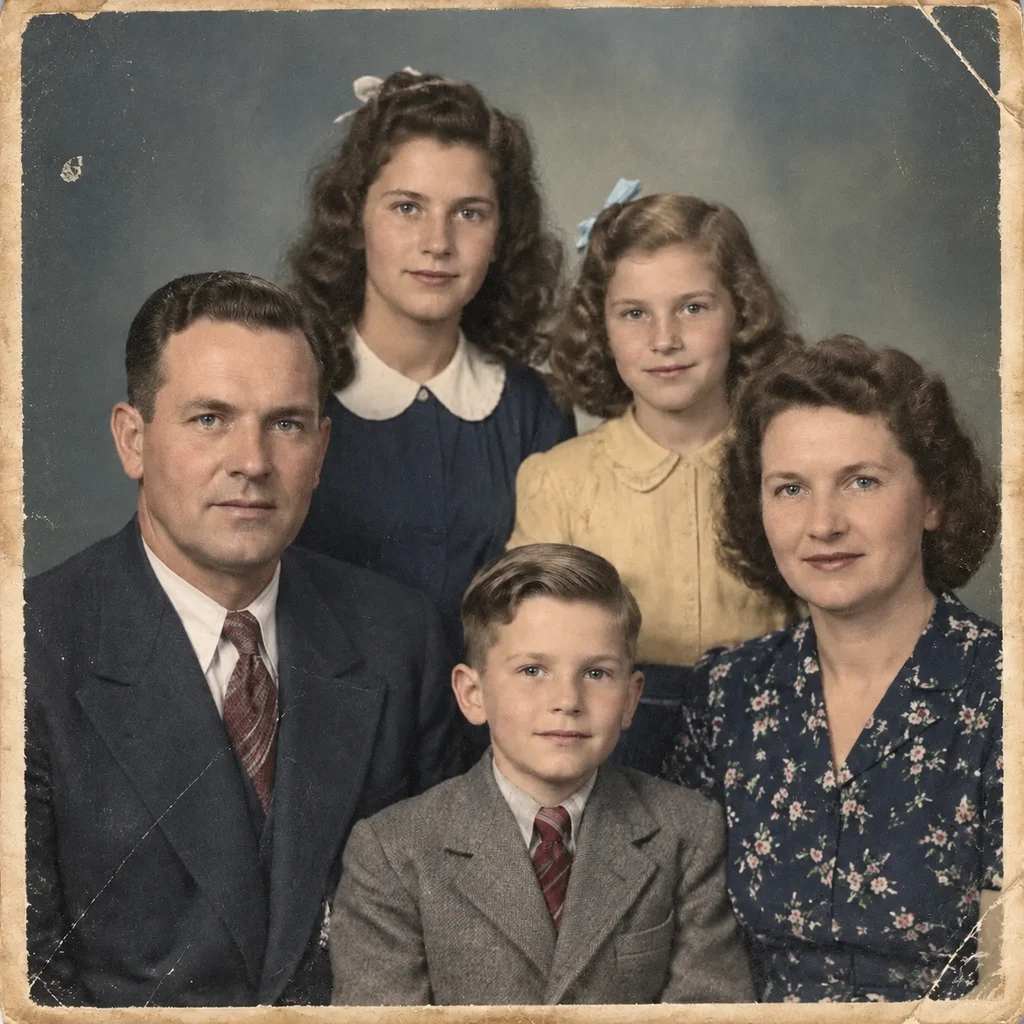
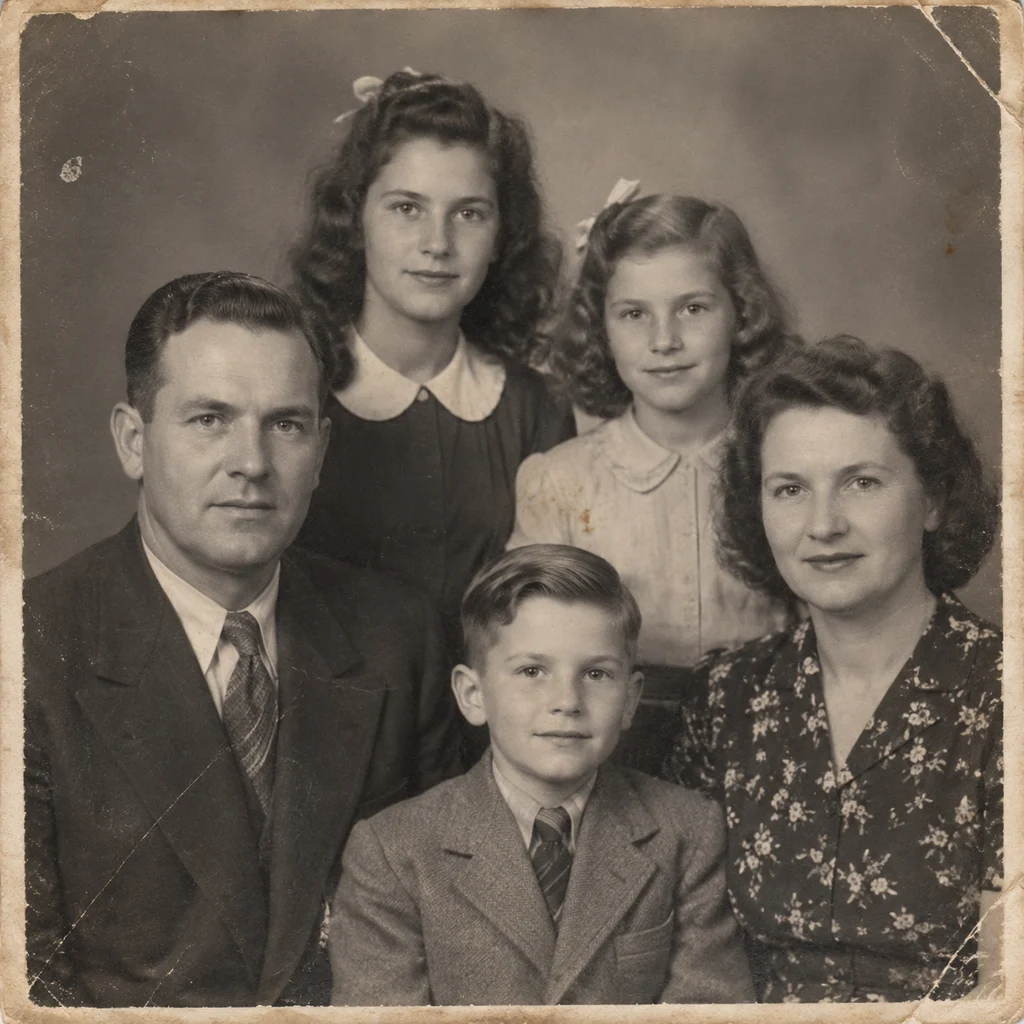
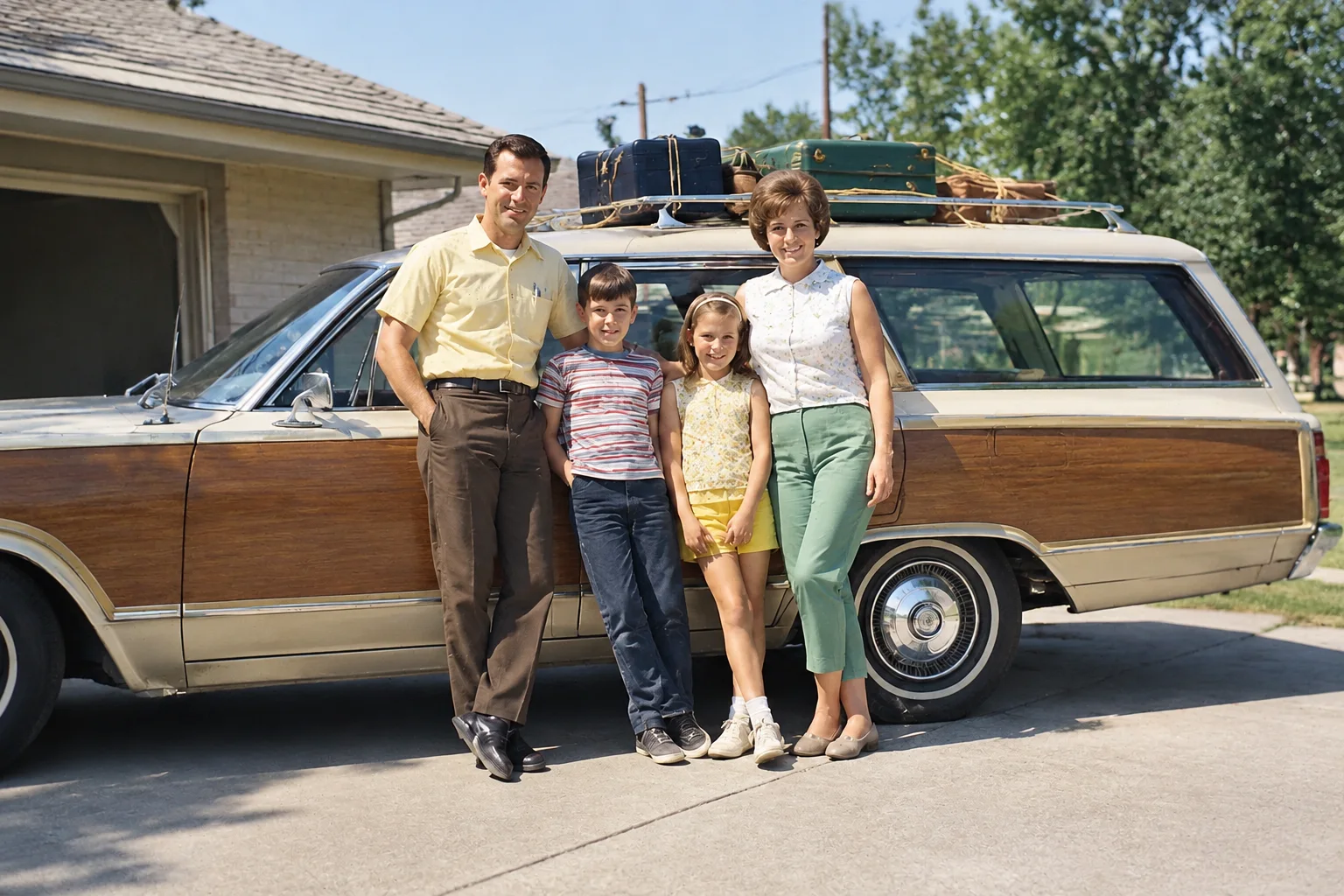
1940s family portrait — colourised in the original period palette 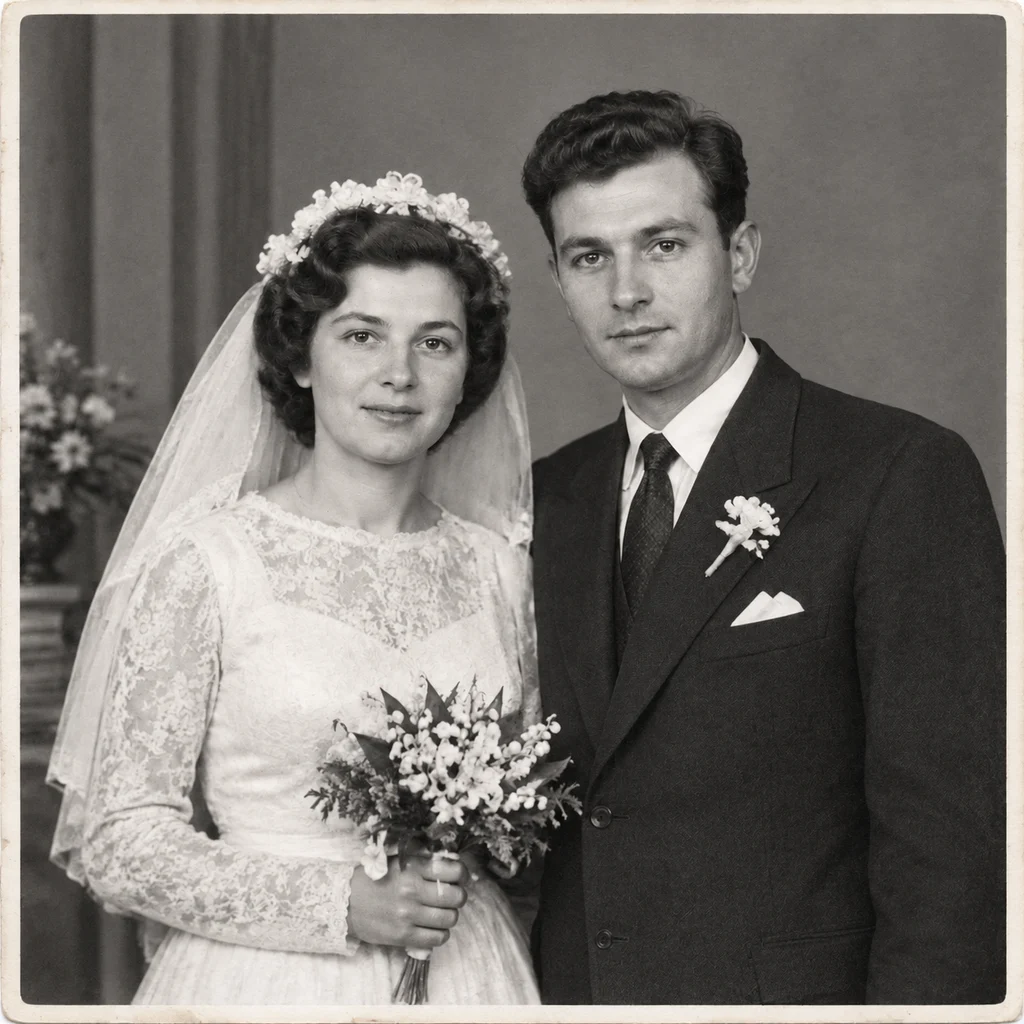
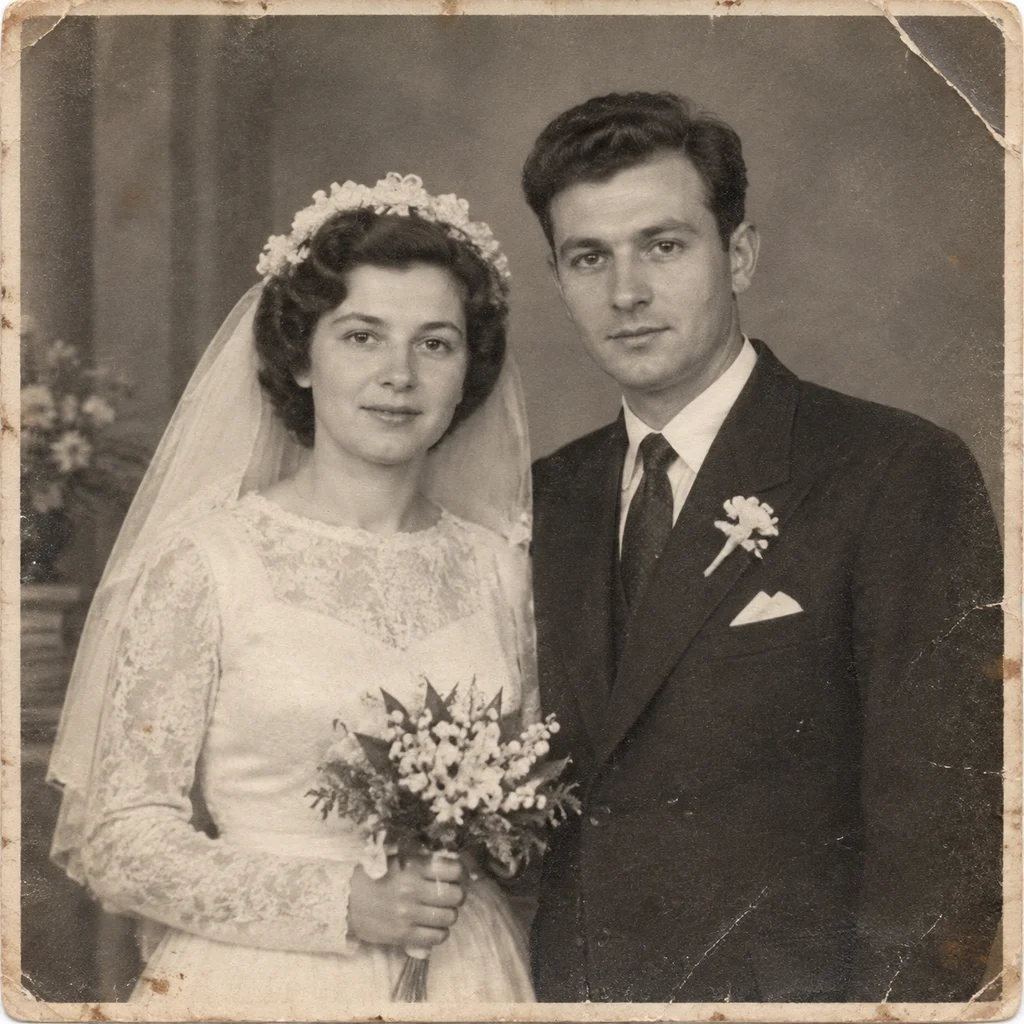
1950s wedding photograph — scratches and fading repaired 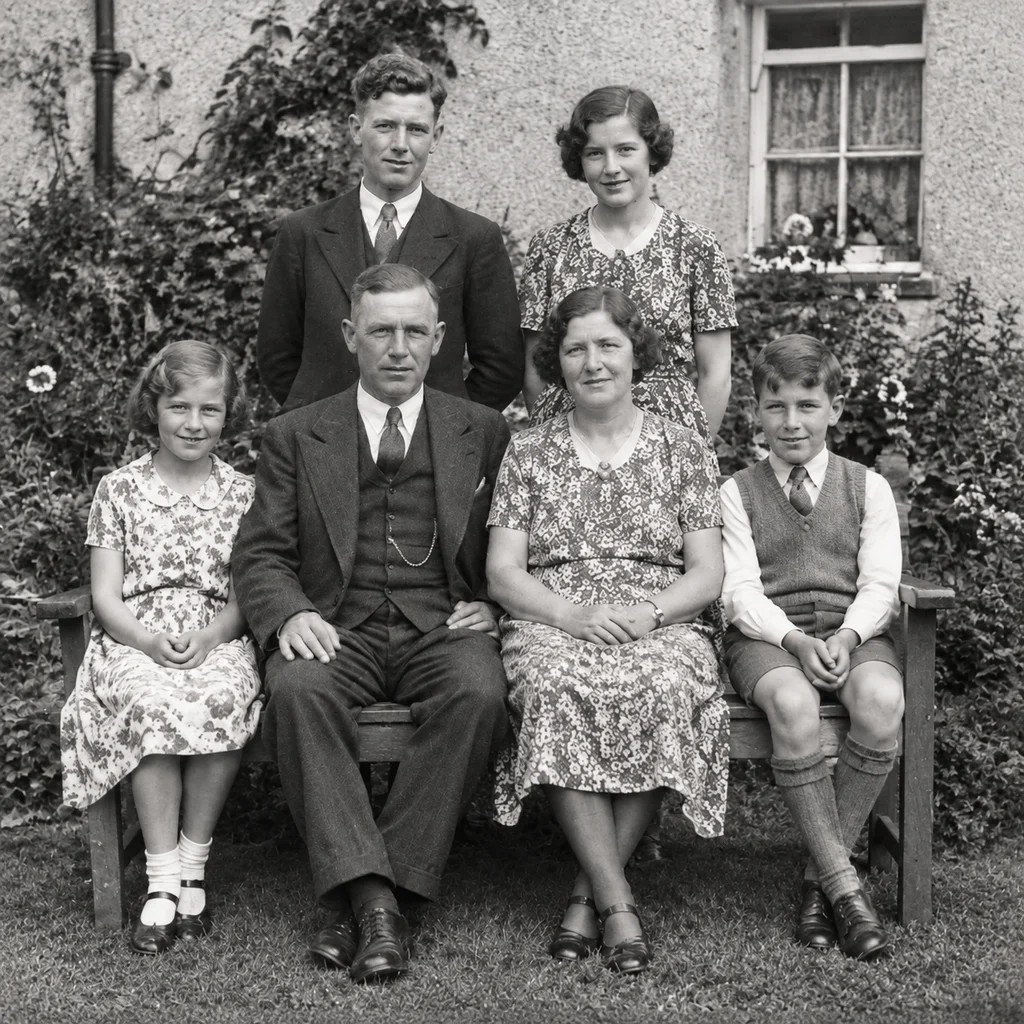
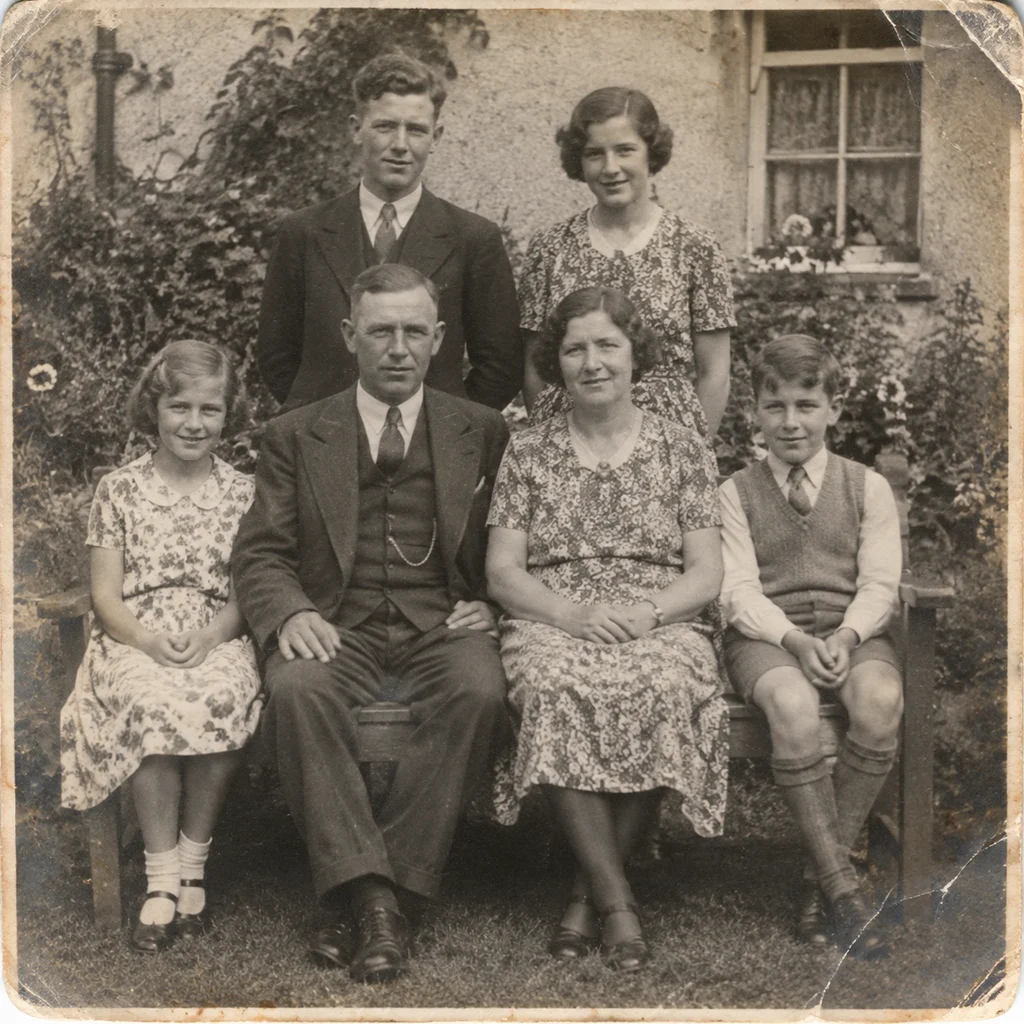
1930s garden group — creases, stains and fading recovered
Drag the handle to compare
How it works
How Old Photo Restoration Works
Upload your old photo
Drop in a scan, a print photo or a phone snapshot of an album page. We accept JPG, PNG, WEBP and HEIC up to 20MB.
Pick a restoration mode
Choose restore, colorize, repair or animate. Each mode runs a model tuned for that specific kind of damage.
Download the result
Preview free at reduced resolution, then download the full-resolution file once you are happy with it.
Behind every damaged print is a face someone loves. Bring it back into focus.
Render finish
From faithful repair to studio portrait
Every mode runs the same conservation-first engine. The finish sets how far the rendering goes — and every finish costs the same credits.
Standard
Conservation only: the photograph honestly repaired, nothing rendered on top.
Professional
85mm f/1.4 rendering, studio portrait lighting, true skin texture — a modern professional photograph.
Master
G-Master glass, editorial strobe lighting, gallery-print fidelity — the same person, the same moment, contemporary rendering.
Recently Restored Photos
Fresh restorations from the community, newest first.
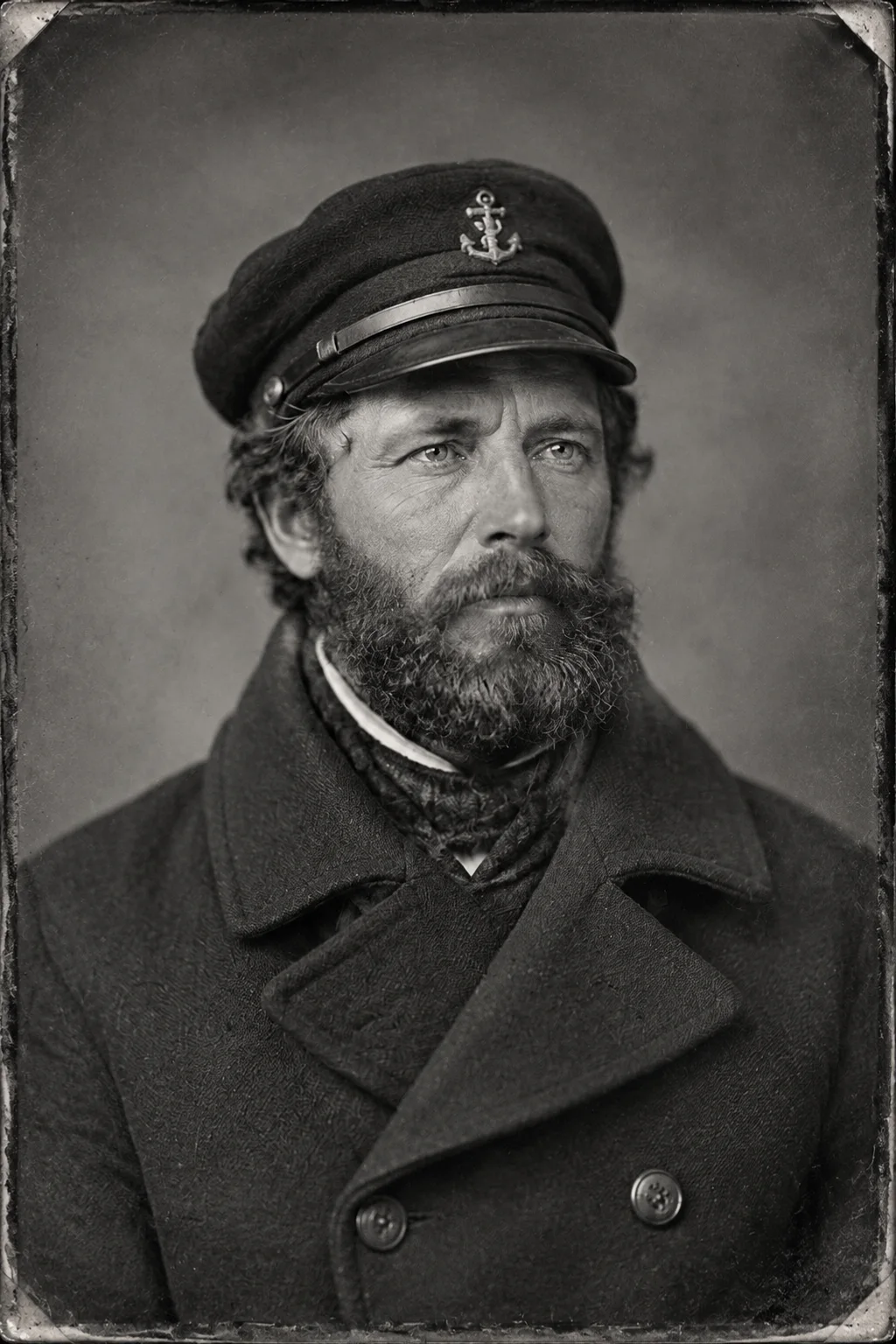
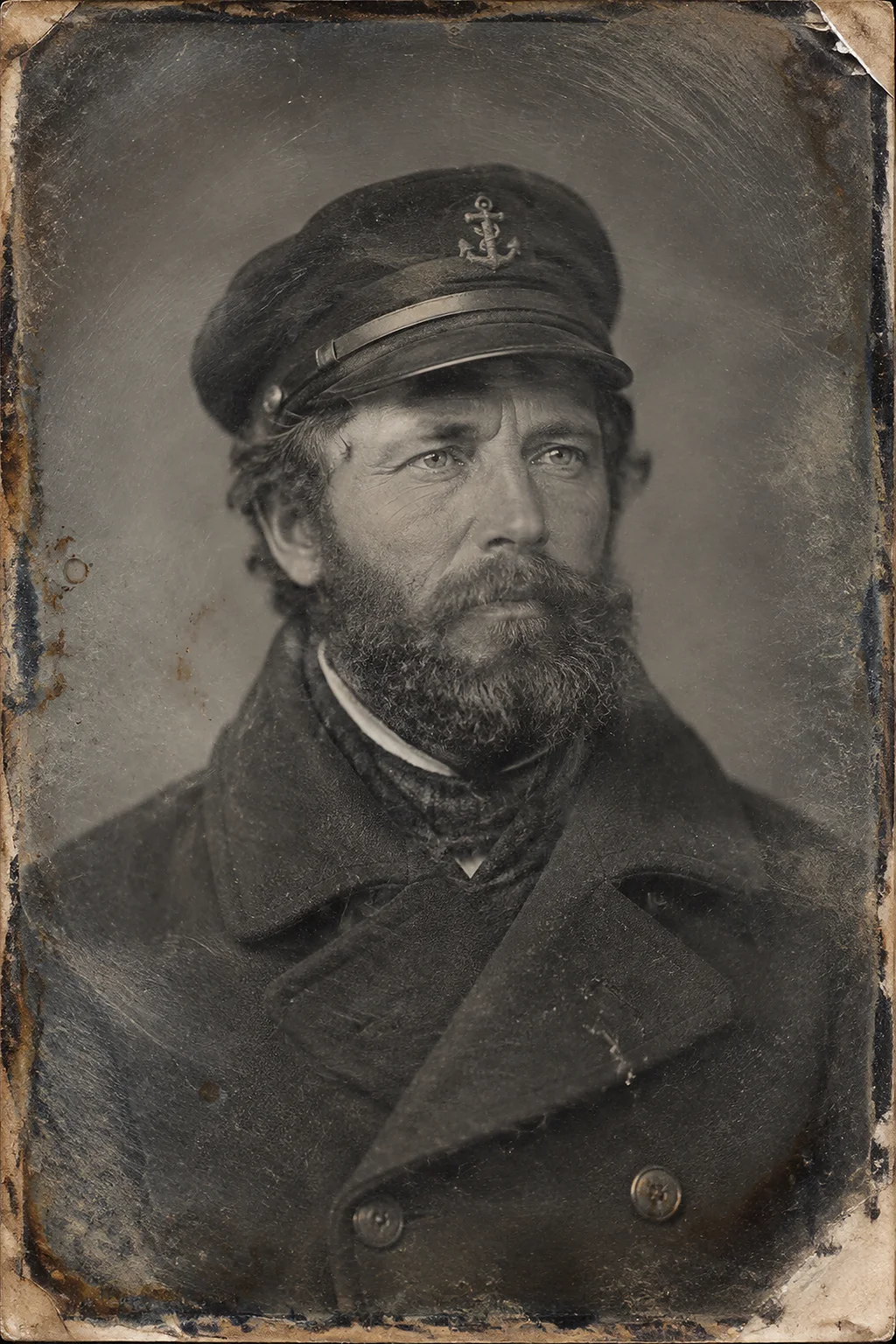
Sea captain, 1850s
Restore & UpscaleA merchant sailor photographed in the early albumen era. Restoration rebuilds the plate's lost contrast and removes a century of yellow-brown staining while keeping the sitter's weathered features exactly as the camera found them.
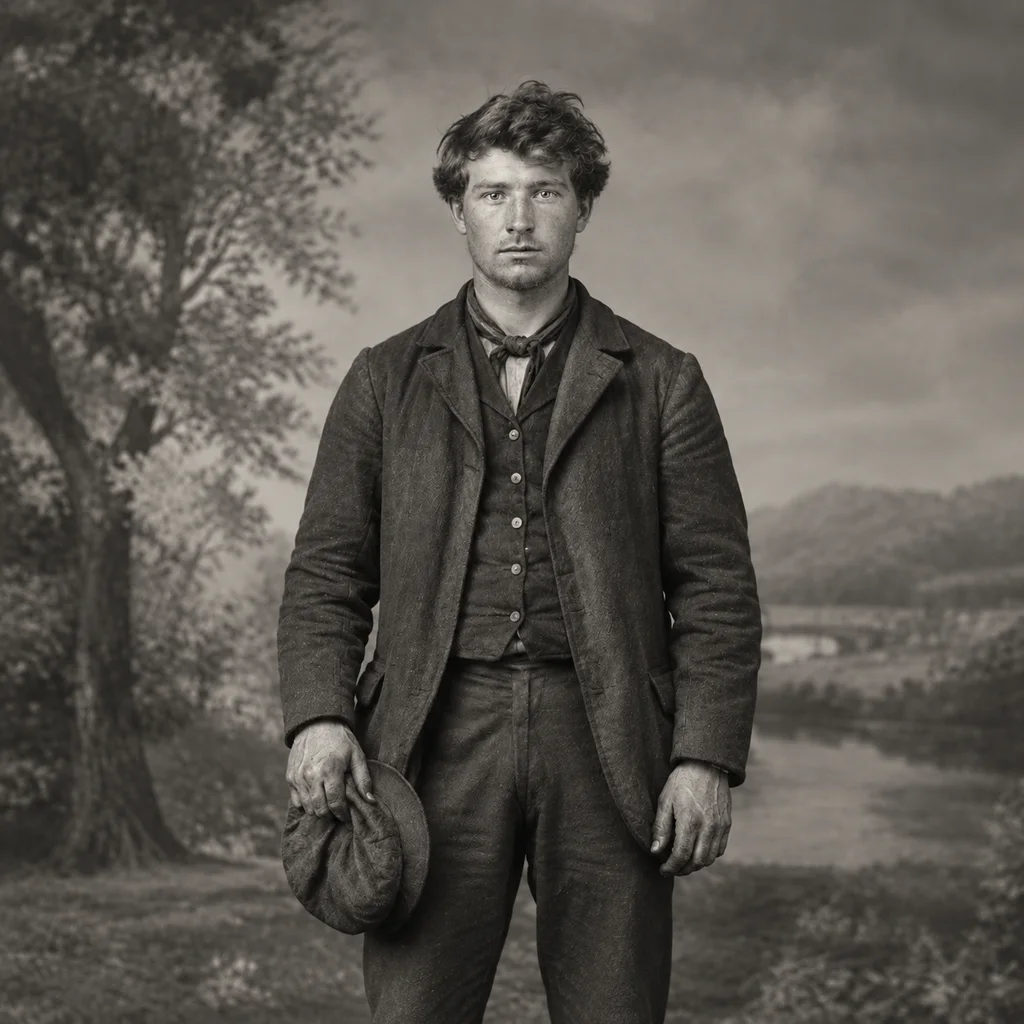
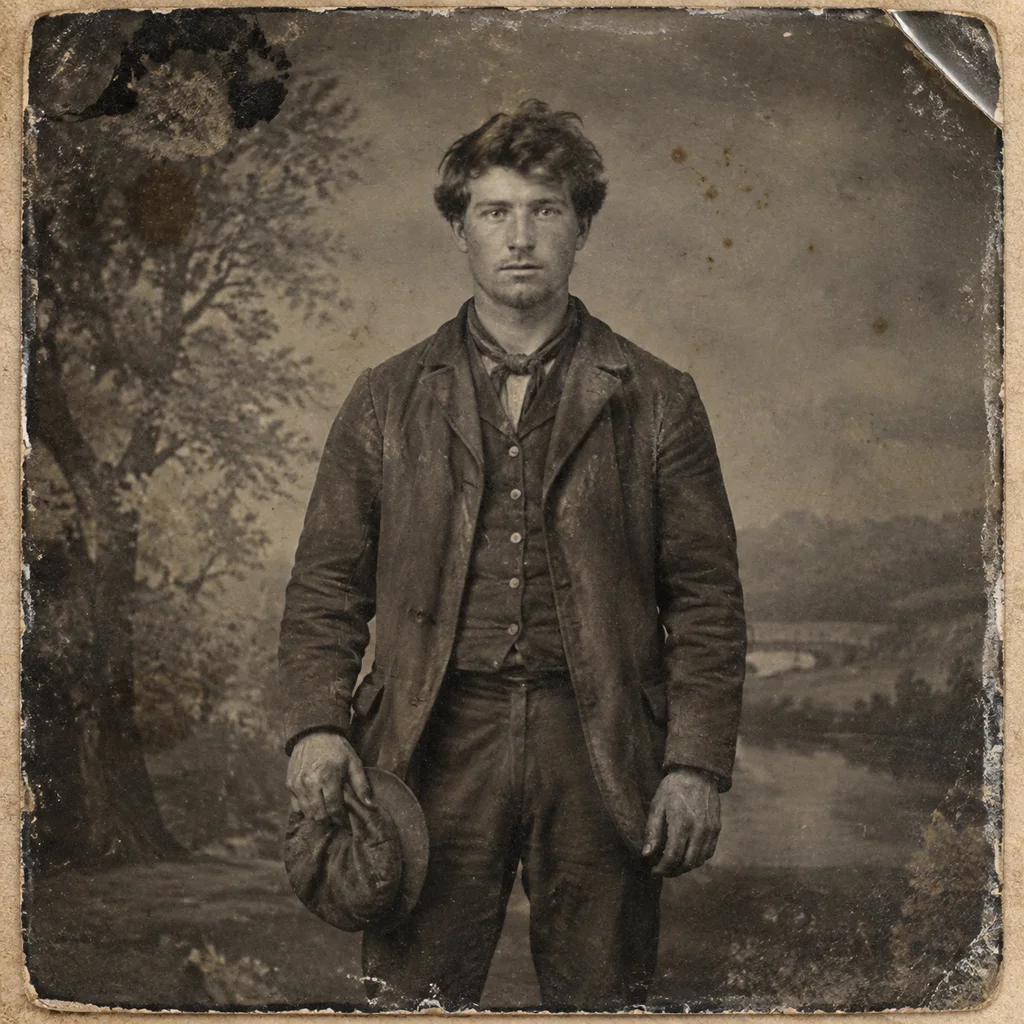
Railway worker, 1870s
Restore & UpscaleA workman's portrait from the early gelatin era, scanned from a print with faded mid-tones. Restoration recovers the detail in his clothing and face, then re-tunes the tonal curve so the figure separates from the background.
Infantryman, 1916
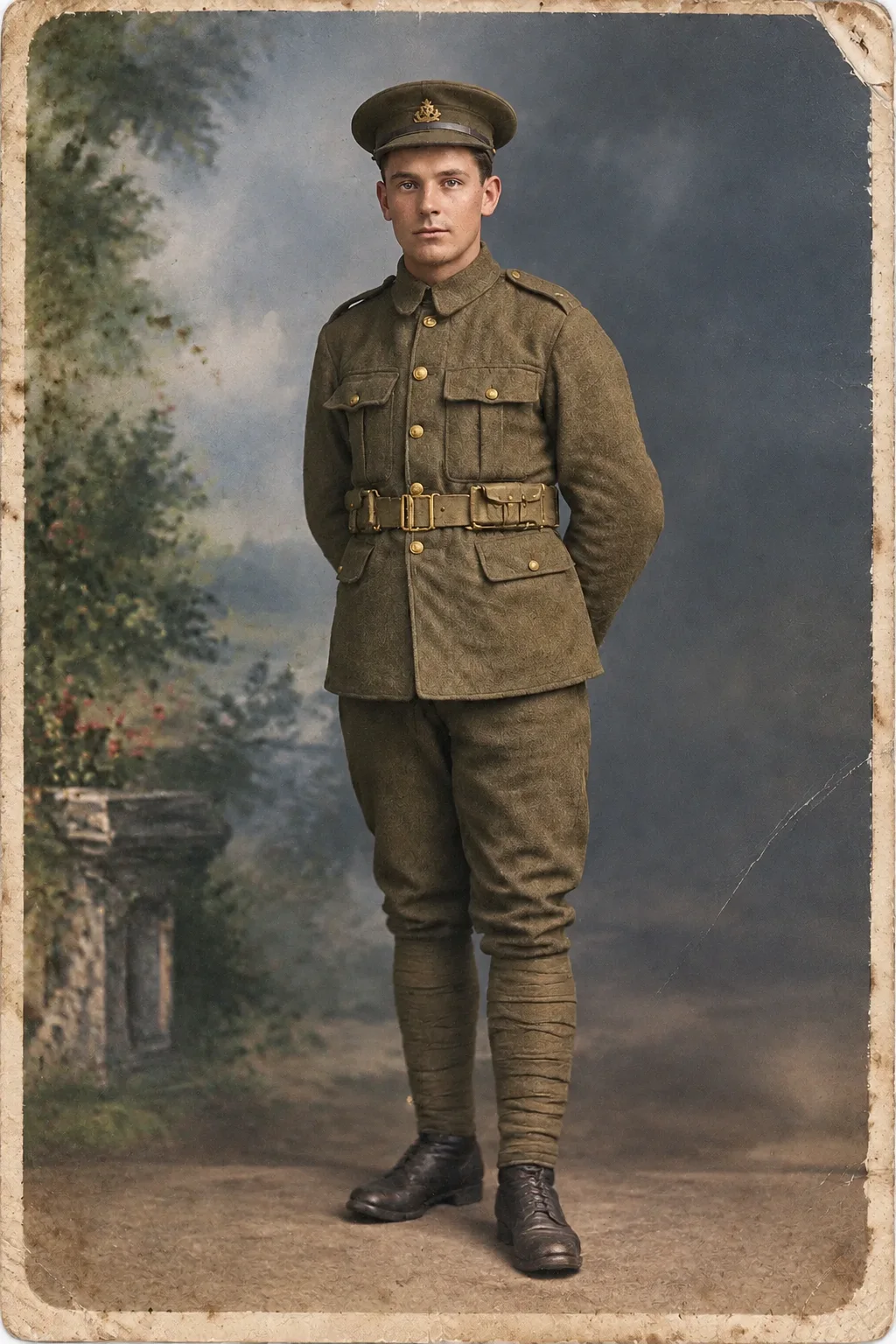
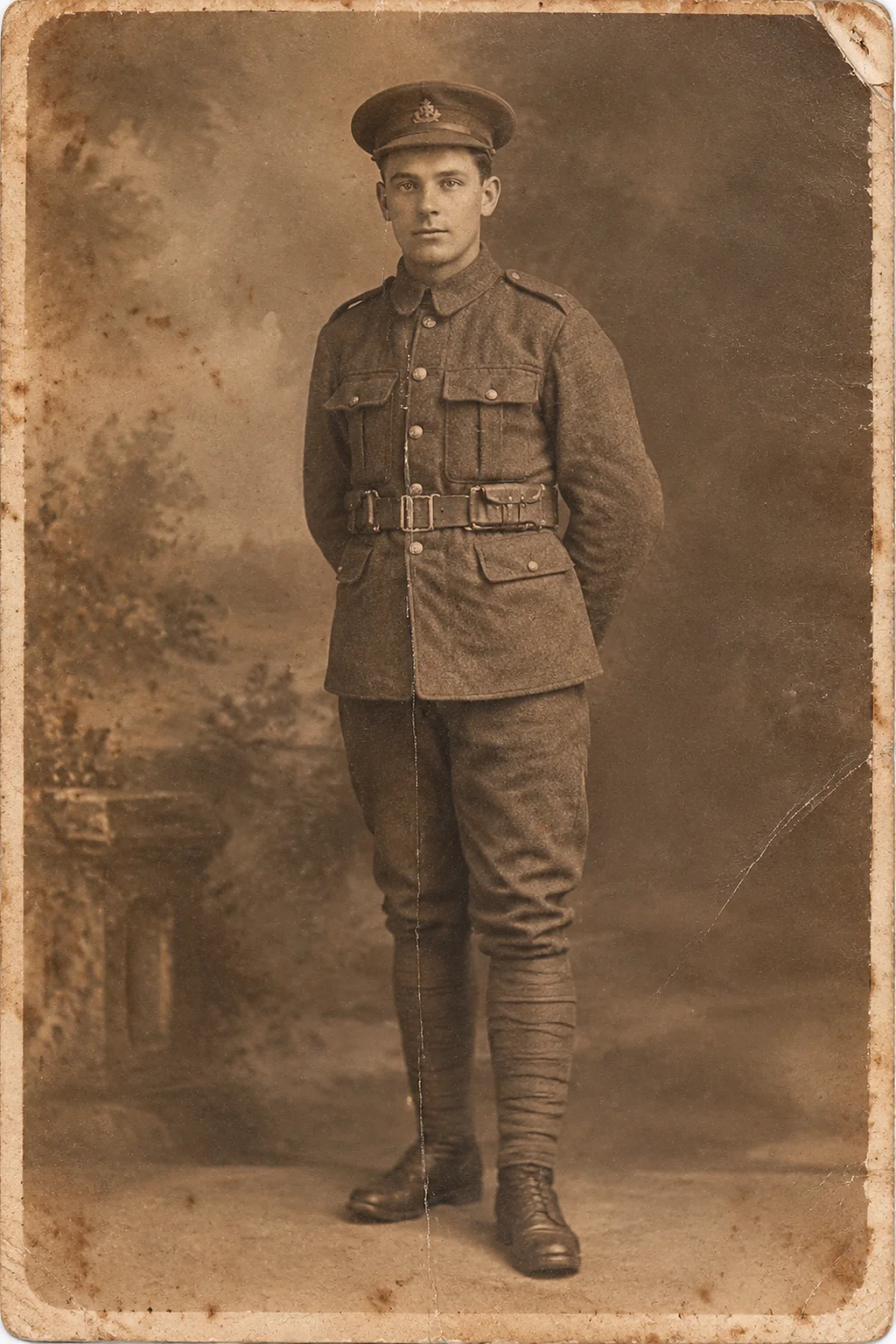
ColorizeA First World War serviceman photographed before deployment. Colourization adds period-plausible tone to the uniform and backdrop, and the restored half keeps every button and insignia from the original scan.
Jazz-age couple, 1925
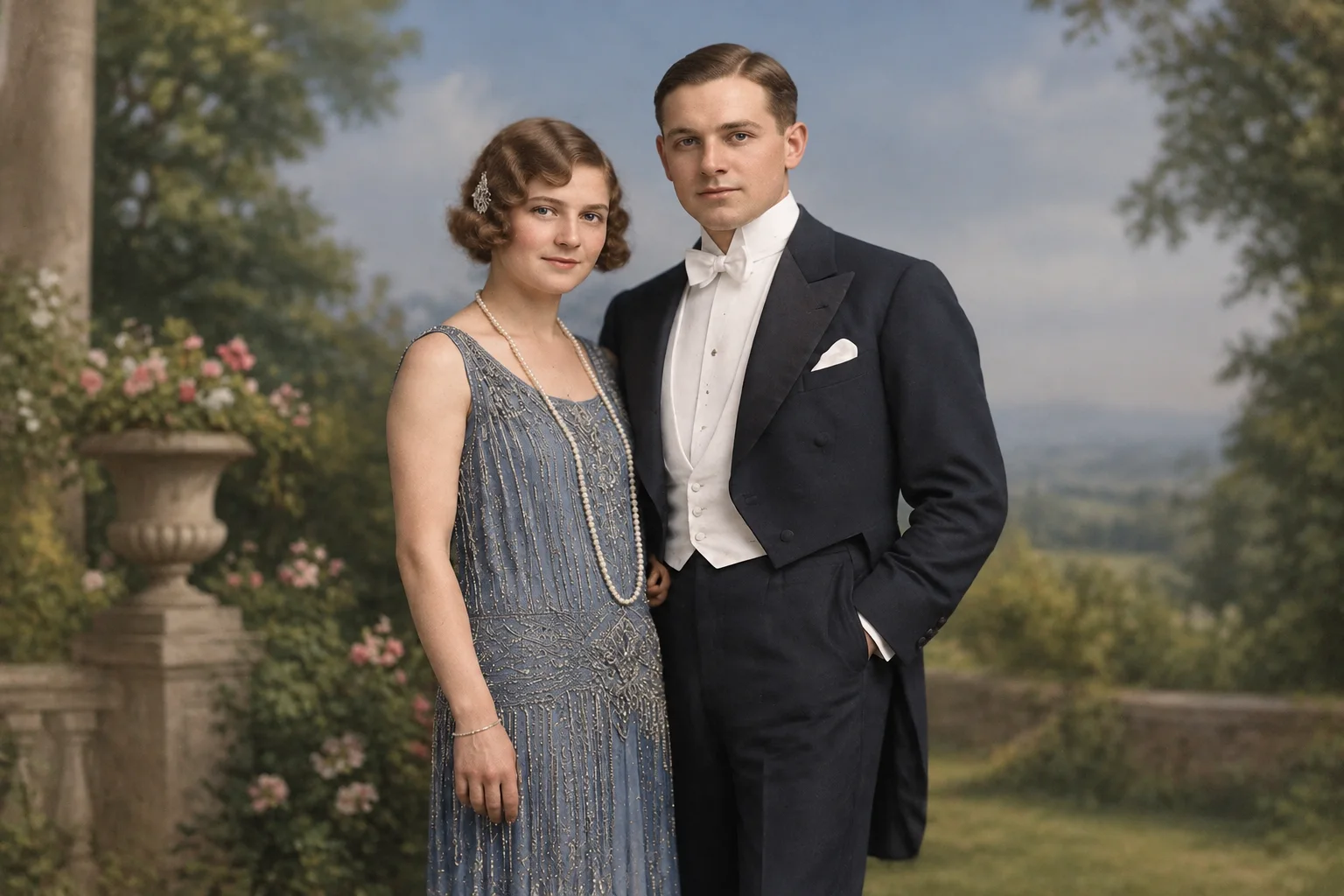
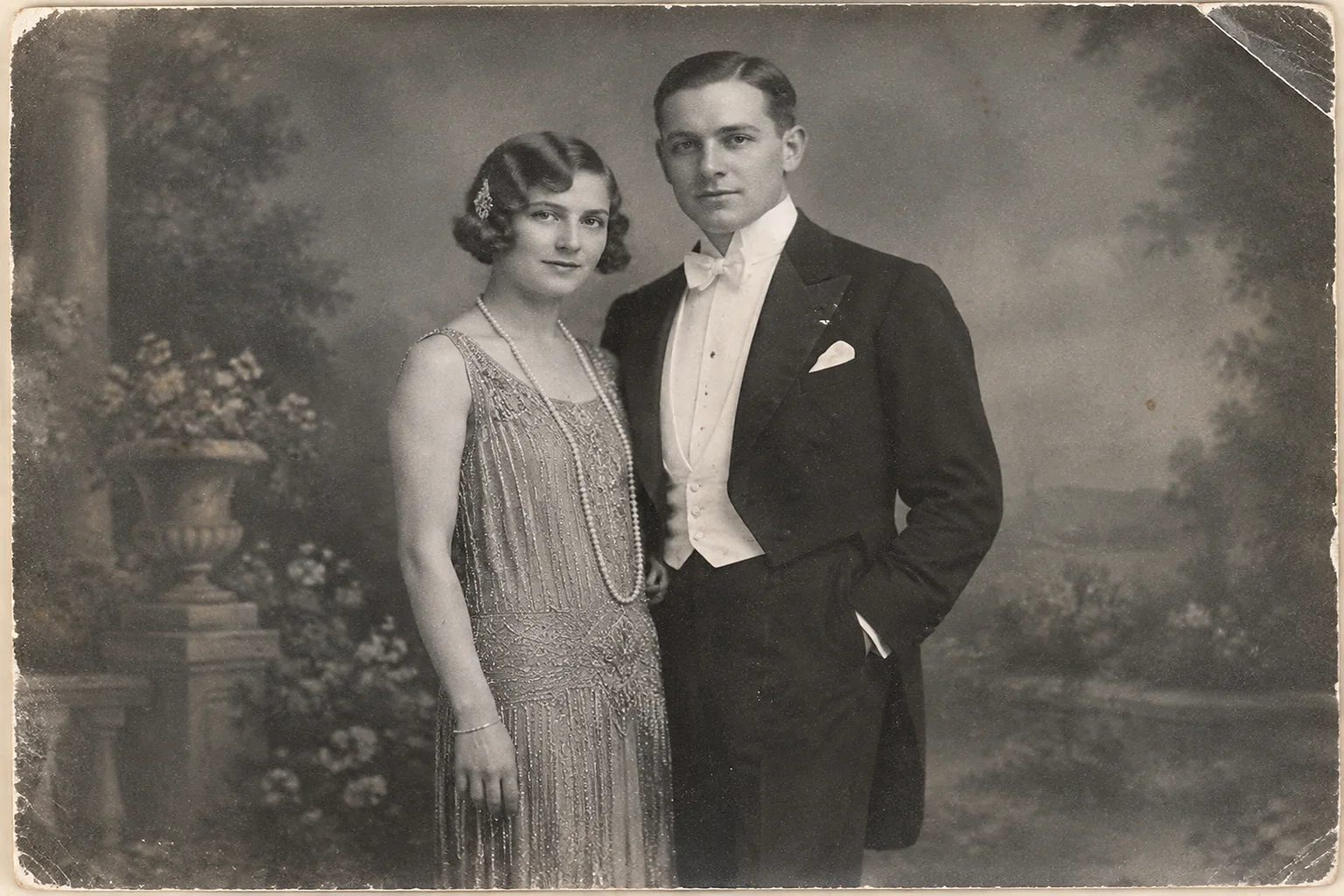
ColorizeA studio portrait from the Roaring Twenties. The colourized half suggests the fashions of the decade — dropped waists, slicked hair — while the monochrome original stays untouched as the historical record.
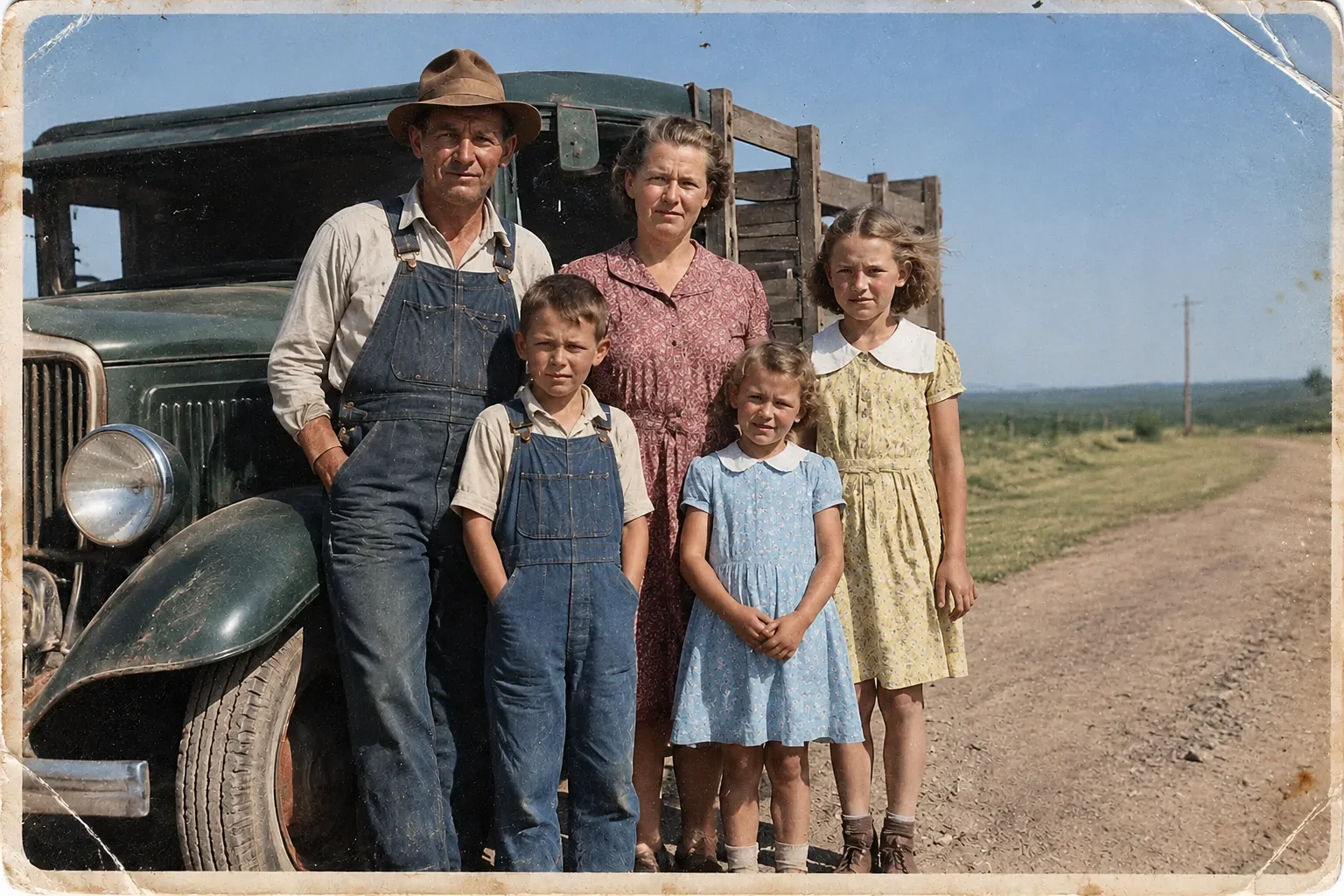
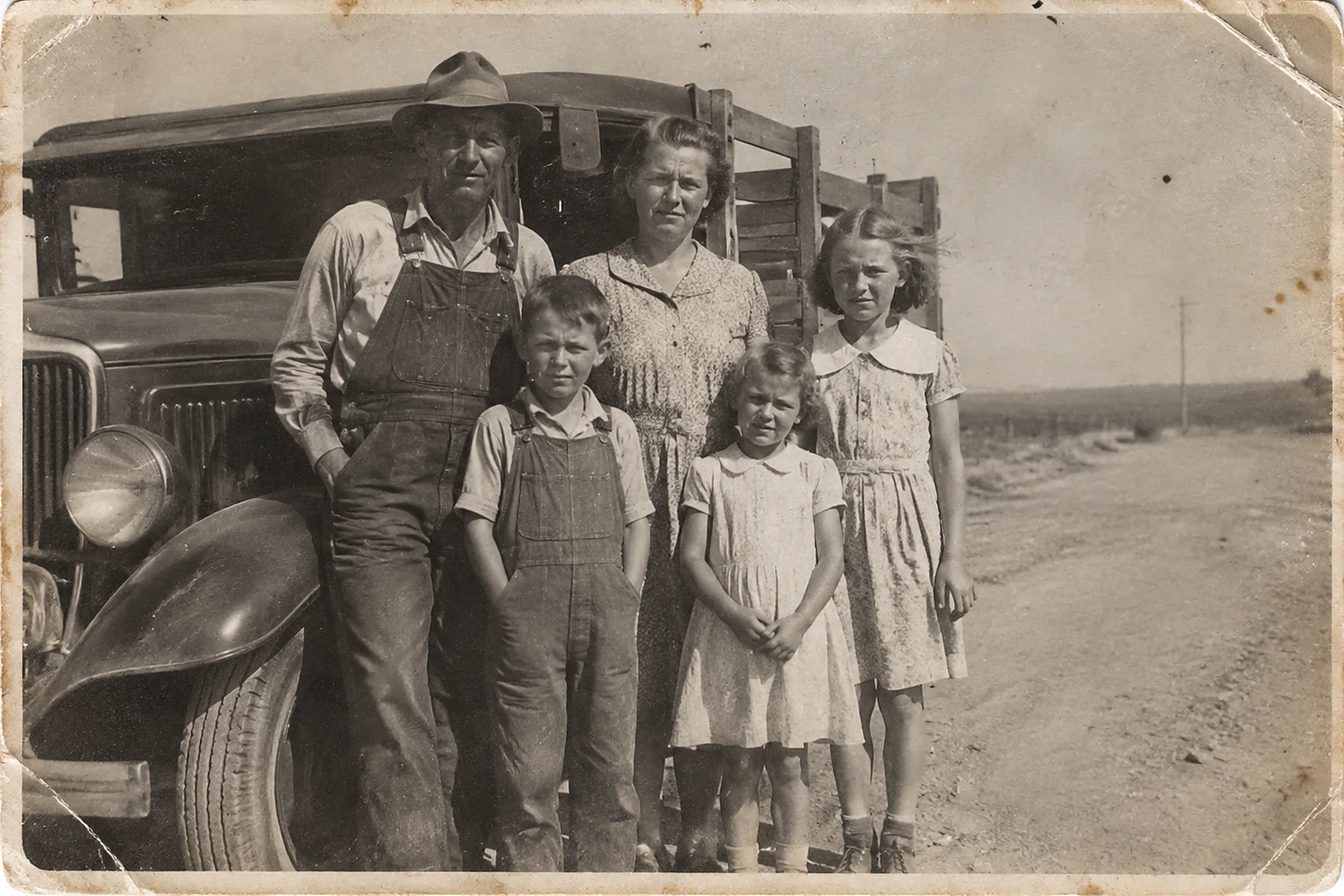
Roadside family, 1934
ColorizeA Depression-era family photographed outdoors. Restoration first repairs the sun-faded scan, then assigns conservative colour to skin, clothing and the open landscape behind them.
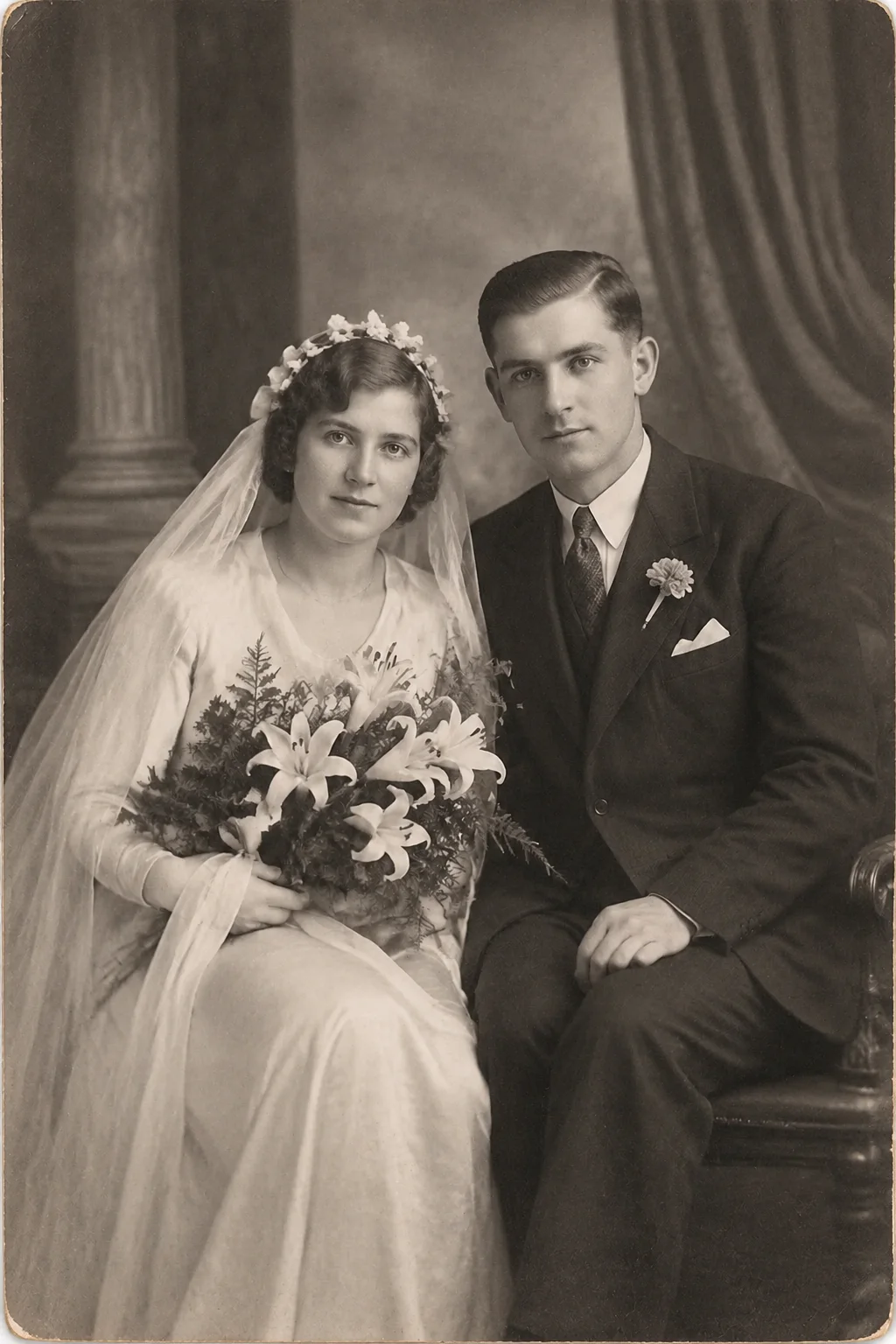
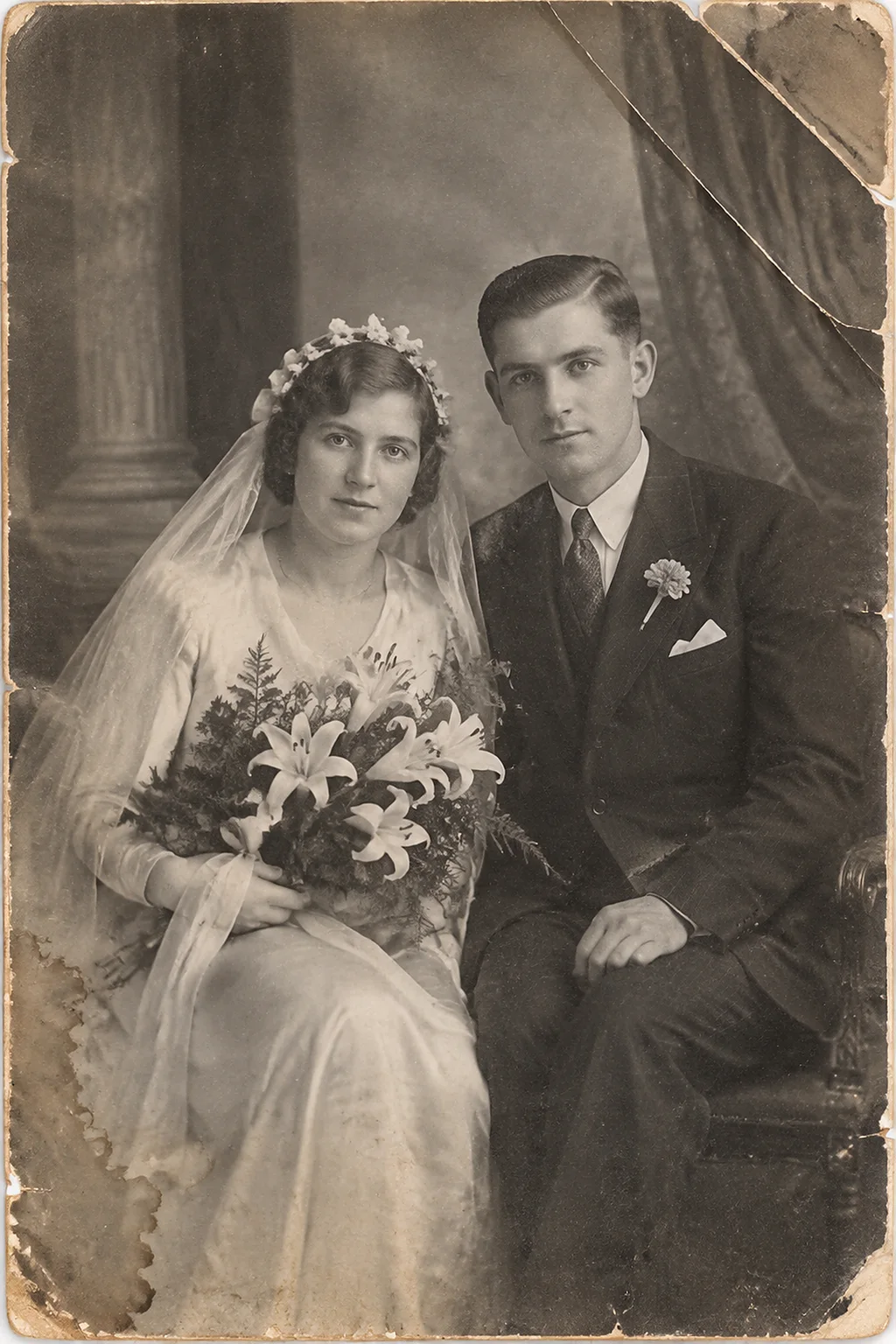
Studio wedding, 1938
Repair DamageA wedding portrait that spent decades in an album: surface scratches, a bent corner and edge silvering. The repair pass inpaints the damage from surrounding detail and rebuilds the missing corner.
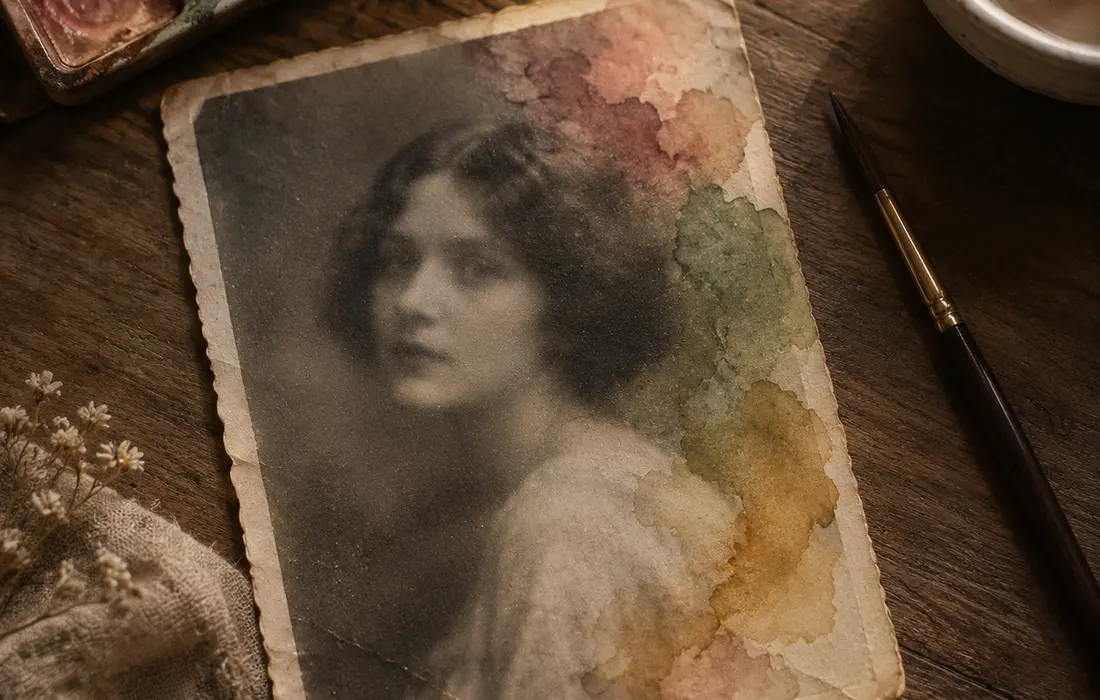
Colorize Black and White Photos
The colorizer reads faces, clothing, foliage and sky separately, then applies colour that fits the period rather than a single global tint. Skin tones stay natural, and you can re-run a photo to compare different palettes before you commit.
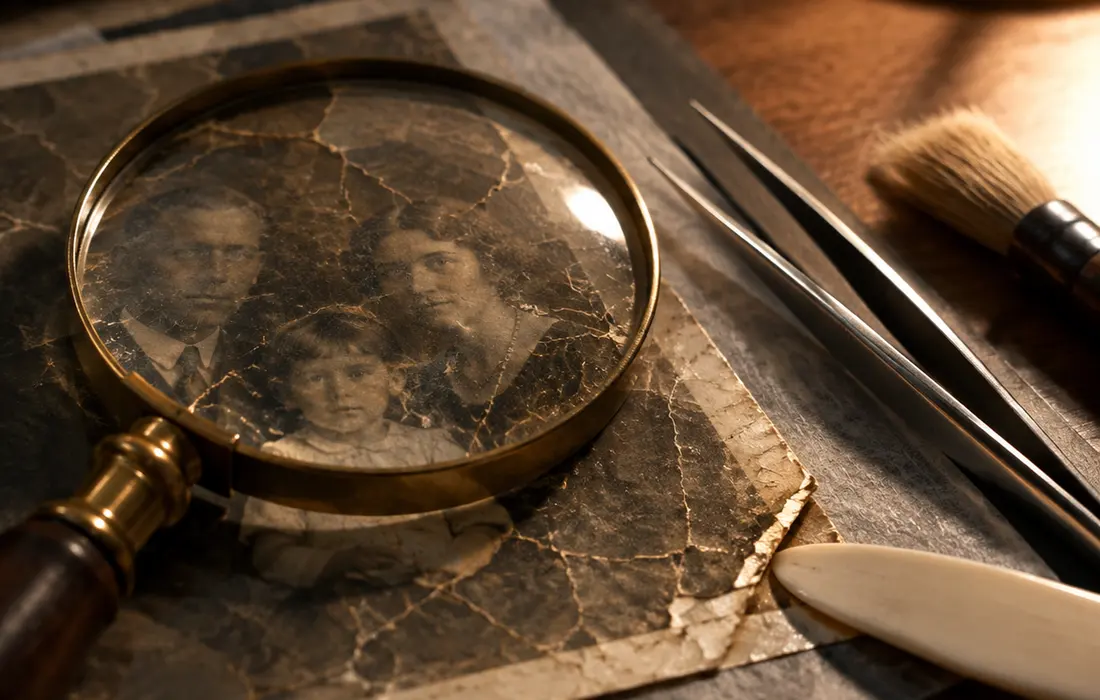
Repair Damaged Photos
Scratches, creases and chemical stains are reconstructed from the surrounding image instead of being blurred over. Torn edges and missing corners are rebuilt, so a repaired photo holds up when you print it at portrait size.
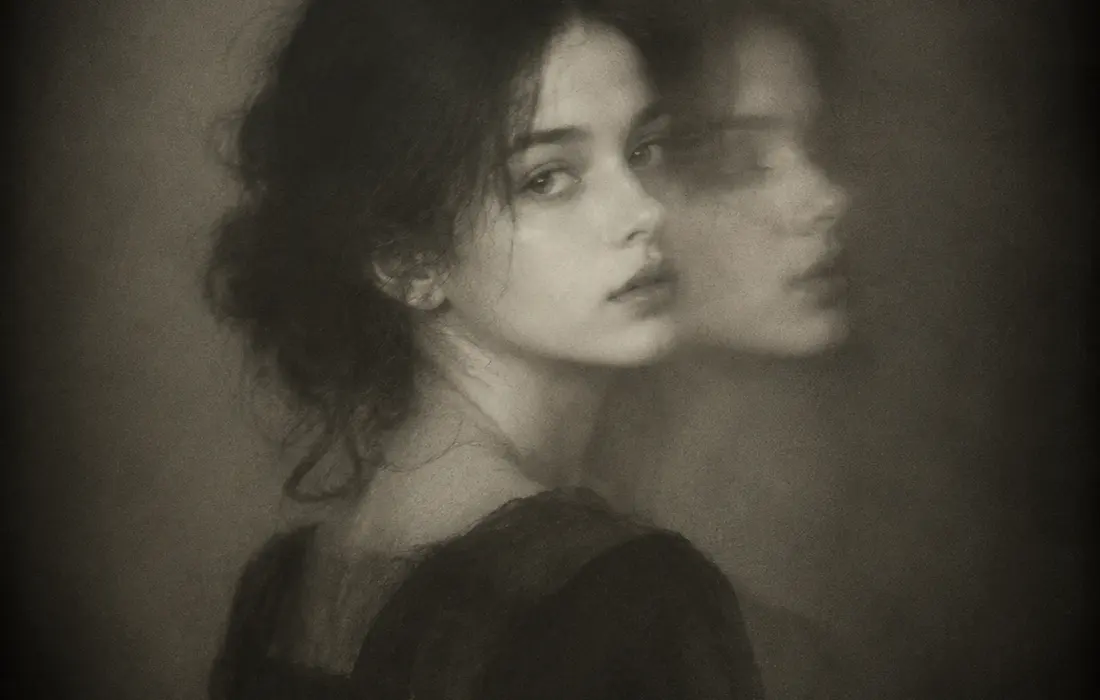
Animate Old Photos
A still portrait becomes a few seconds of gentle motion — a blink, a smile, a turn of the head. Renders run on MiniMax H3 at 768p or Seedance 2.5 for longer, smoother clips, and take two to five minutes in the background.
Free vs Pro
The free preview runs the full model on your photo and gives you a watermarked result at reduced resolution, so you can judge the restoration before paying. Paid credits unlock the full-resolution file, video rendering and batch uploads. There is no subscription — credits are bought once and used whenever you like.
Era by era
What each decade of a photograph needs
Damage is not random — it follows the chemistry of the era. Every mode starts by identifying the medium before touching a single pixel, which is why a 1908 portrait and a 1974 snapshot come out differently.
- 1850s–1890s · Daguerreotypes & albumen prints
- Typical damage: silvered surfaces, plate cracks, mat abrasion and foxing. The treatment stays gentle — haze and tarnish are lifted, detail is recovered from what the plate still holds, and over-sharpening is the one unforgivable sin.
- 1900s–1940s · Gelatin silver & glass plates
- Typical damage: creases, edge silvering, flaking emulsion and mount stains. These are the photographs colourization was made for — period dyes are derived from the negative’s own density, never a modern filter.
- 1950s–1960s · Early colour prints
- Typical damage: magenta and yellow dye fade, colour casts, light leaks. The fix is chemistry-aware rebalancing — recover the cyan layer that faded first, then re-derive skin tones from the dyes that survived.
- 1970s–1980s · Instant prints
- Typical damage: milky low contrast, emulsion blotches, scuffed rounded corners. Restoration rebuilds contrast and saturation while keeping the soft instant look — that softness is character, not a defect.
Choosing well
AI restoration, or a professional conservator?
Both are legitimate treatments — they answer different questions. Here is the honest split, so you spend the right amount of money on the right original.
Choose AI restoration when…
You want the photograph back in the family — shared, printed, remembered — not graded against museum standards.
The original you hold is a copy or a reprint; the camera negative or another print probably survives somewhere in a relative’s drawer.
You have a shoebox of photographs and one weekend: every mode renders in about a minute, at a fraction of a studio’s sitting fee.
Call a human conservator when…
The object is a daguerreotype, a one-of-a-kind negative, or a documented historical photograph.
The treatment must be reversible and archival — a conservator works on the object itself, and a future curator can undo every step.
Provenance or market value is at stake: a written conservation report carries weight no digital file can.
Our rule of thumb: if losing the digital file would break your heart, the original deserves a conservator’s hands. For everything else, restore it here in the next two minutes — then keep the original safe in a drawer.
FAQ
Old Photo Restoration FAQ
Your first preview is free. After that a single full-resolution restoration is $4.90, and credit packs start at $14.90 for ten restorations. Credits never expire and there is no subscription.
Scratches, tears, creases, dust, chemical staining, fading, motion blur and low resolution. The repair model reconstructs missing areas from the surrounding photo rather than blurring them.
Colorization is an informed reconstruction, not a record. The model infers plausible colours from the era, clothing and setting. It reflects what the scene most likely looked like rather than what it verifiably did.
A still photo usually finishes in under a minute. Photo animation is heavier and renders in the background, typically in two to five minutes — you can close the tab and come back.
Credits are refunded automatically. You are only charged for renders that actually complete.
JPG, PNG, WEBP and HEIC up to 20MB. Scans, prints and phone photos of album pages all work. For the best result, photograph the print flat under even light and avoid flash glare.
Uploads are processed to produce your result and stored so you can re-download it later. You can delete any photo and its results from your dashboard at any time.
You keep every right you already had in the original photo. We make no claim on your images and grant you a full licence to the restored output.
Sources & further reading
The preservation guidance on this page is checked against public institutions. These are the primary sources we cite across the site and in our guides.
Bring your family photos back to life
Upload a photo and see the restoration before you pay a cent.
Restore a Photo Free