
Animate Old Photos
Animate old photos into a few seconds of gentle movement. A portrait blinks, smiles, or turns slightly toward the camera — subtle enough to feel like the person, not an effect.
Upload a portrait and watch it come to life — a blink, a smile, a slight turn toward the camera. Animate old photos from any era, add a voice message or a song if you wish, and download a short video made for sharing or for a memorial tribute.
Animate a Photo
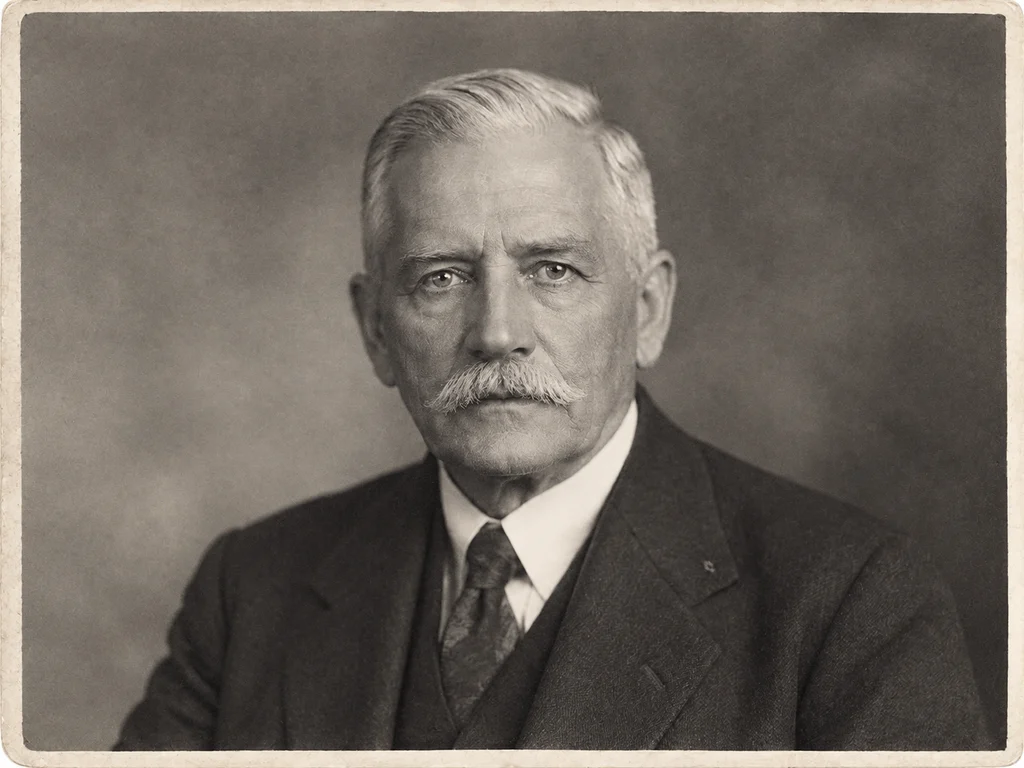
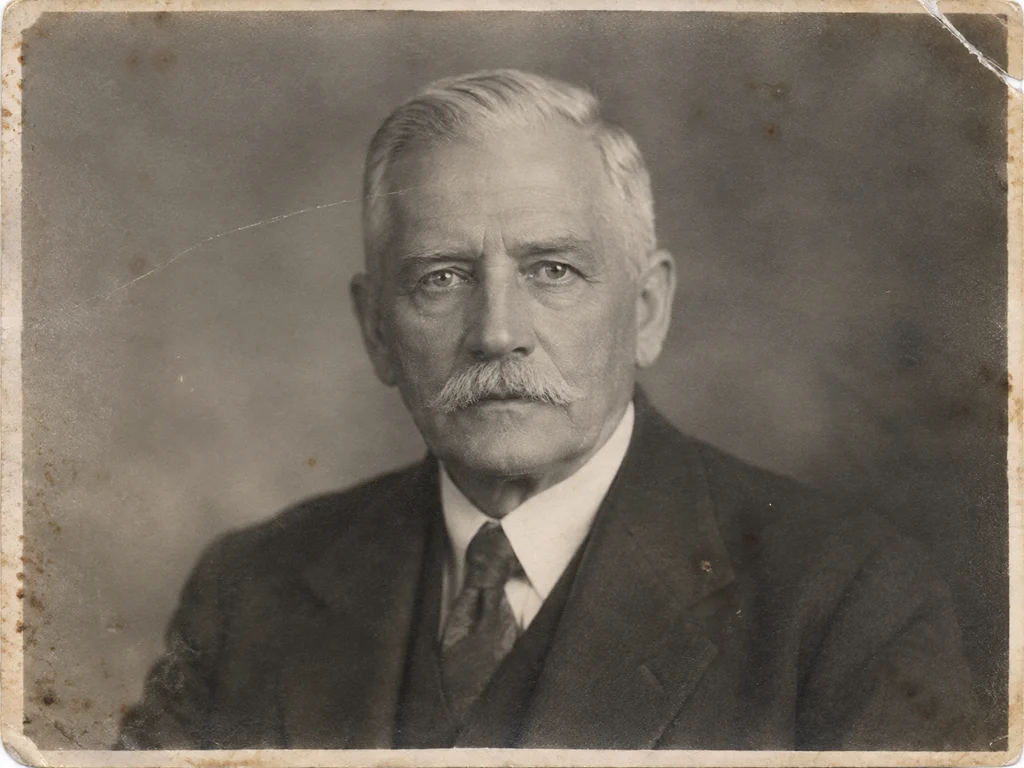 BeforeAfter
How Old Photo Restoration Works
Upload your old photo
Drop in a scan, a print photo or a phone snapshot of an album page. We accept JPG, PNG, WEBP and HEIC up to 20MB.
Pick a restoration mode
Choose restore, colorize, repair or animate. Each mode runs a model tuned for that specific kind of damage.
Download the result
Preview free at reduced resolution, then download the full-resolution file once you are happy with it.
How Photo Animation Works
The model builds an internal depth map of the face and drives small movements from it, so motion follows the actual geometry of the features rather than warping the whole frame. Backgrounds stay still, which is what keeps the result believable.
MiniMax H3 and Seedance 2.5
Two video models are available. MiniMax H3 renders at 768p and suits single portraits. Seedance 2.5 produces longer, smoother clips with better handling of hair and fabric, and costs more credits per render.
Restore First for the Best Result
Animation amplifies whatever is already in the frame, so scratches and blur become more distracting once the photo moves. Restoring the portrait first gives a noticeably cleaner animation.
Bring Old Photos to Life
Photo animation became famous as “Deep Nostalgia”, and the demand behind it is easy to understand: seeing a grandfather blink and almost smile changes how a family photograph feels. This tool works the same way — a still portrait becomes a few seconds of living, breathing motion, generated by AI from the single frame you upload.
The result stays close to a moving photograph: eyes come to life, heads turn gently, a smile forms and fades. Nothing is added that the person would not plausibly have done — which is what makes a living portrait moving to watch rather than uncanny.
Memorial Tributes and Living Memories
The most common reason families animate a portrait is remembrance: a funeral slideshow, an anniversary post, a birthday tribute to someone gone. A few seconds of gentle motion — a blink, a breath — turns a photograph into a moment everyone can watch together.
Clips download as MP4 video, ready to drop into a memorial slideshow or share privately with relatives. Everything stays subtle by default, and the animation is rendered from your restored photo so the person looks their best.
Old Photos for Genealogy and Family History
Restored photographs are the records genealogy work is missing. Census pages and certificates name your ancestors; only the photographs show them. Repairing and colourising a family collection turns names in a family tree into faces you can study — resemblances you might still recognise in relatives living today.
Libraries, genealogy societies and local history archives accept clean, high-resolution scans, and every download here is a full-size file you can deposit or share. Many families restore one photograph per generation — a set that makes a family history book feel complete.
- Put a face to a name in your family tree — restored portraits make ancestry research easy to share with relatives.
- Full-resolution downloads are accepted by genealogy societies, local archives and family history publications.
- Likenesses are preserved, not invented — important when a photograph is part of a documented family record.
FAQ
Frequently asked questions
- How long does an animation take?
- Most clips finish in two to five minutes. You can leave the page — the render continues and the result appears on your results page when it is ready.
- What kind of motion do I get?
- Gentle, plausible motion — a blink, a smile, a small turn of the head. The goal is a portrait that feels alive, not a special effect, so clips stay subtle by default.
- Can I add a voice or audio track?
- Yes. On the animate step you can attach an audio track for an extra credit cost — families often add a short voice message or a song from the era.
- Which photos animate best?
- Sharp, front-facing portraits with both eyes visible animate most reliably. Restoring or repairing the photo first usually improves the clip — the animation can only be as good as the frame it starts from.
- How is this different from Deep Nostalgia?
- The idea is the same — AI motion for still portraits — but here you choose between two video models (MiniMax H3 and Seedance 2.5), can restore the photograph first in the same tool, and can attach an audio track. Clips are plain MP4 files with no platform watermark.
- Can I use an animated portrait in a memorial tribute?
- Yes — that is one of the most common uses. Clips download as MP4 video, ready for a memorial slideshow or a private family share, and the motion stays gentle by default out of respect for the person in the photograph.
Sources & further reading
The preservation guidance on this page is checked against public institutions. These are the primary sources we cite across the site and in our guides.